On this page
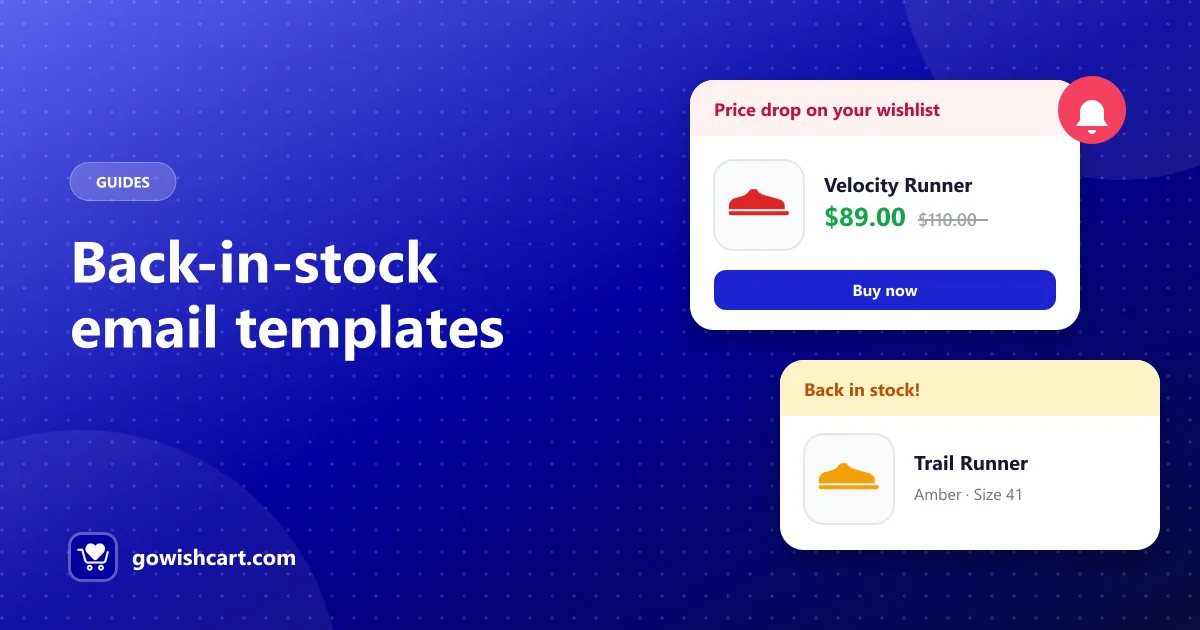
A back-in-stock email might be the easiest sale you’ll ever make. The shopper wanted the product, couldn’t buy it, and saved it. Now it’s back. Your job is to tell them quickly and clearly, then get out of the way.
How to send back-in-stock emails on FluentCart
You have two options:
- Built-in alerts. When a sold-out product in a shopper’s wishlist comes back in stock, GoWishCart emails them automatically, as long as they have an email on file. See price drop and back-in-stock alerts.
- FluentCRM. Use the GoWishCart Back in stock trigger to start a FluentCRM funnel and send your own branded email, add tags, or follow up later. See automate wishlist emails with FluentCRM.
Choose one per event so shoppers don’t get two emails for the same restock.
Template 1: Simple and direct
Subject: It’s back: {product name}
Hi {first name},
Good news: the {product name} you saved is back in stock.
{variant, e.g. Amber / Size 41} · {price}
[Shop now]
We restock popular items in small batches, so we wanted you to hear first.
Template 2: Limited stock (use only when it’s true)
Subject: Back in stock, but not for long
Hi {first name},
The {product name} from your wishlist just came back, and we only have a few left in {variant}.
[Get yours]
If it sells out again, we’ll let you know when it’s back.
Template 3: Restock plus alternatives
Subject: {product name} is available again
Hi {first name},
The {product name} you were waiting for is back.
[View product]
Still deciding? Here are a few similar picks from the same collection: {2–3 related products}
Subject line ideas
- It’s back: {product name}
- Back in stock: the item on your wishlist
- You asked, it’s back
- {product name} is available again
- Restocked, and you’re the first to know
- Good news about your wishlist
Keep subject lines short and lead with the product. That’s what the shopper cares about.
Best practices
- Send it right away. Interest is highest the moment stock returns, and restocks can sell out fast.
- Show the exact variant. If the shopper wanted size 41, say size 41. GoWishCart saves the exact variation, so alerts can be specific.
- One clear button. Link straight to the product, not your home page.
- Don’t fake urgency. Say “only a few left” only when it’s true. False urgency costs trust.
- Mention why they’re getting it. A line like “you saved this to your wishlist” reminds them they asked for it.
- Tag restock buyers. In FluentCRM, tag shoppers who respond so you can tell them first next time.
Related guides
- 10 wishlist reminder email examples
- Wishlist marketing: how to turn saved items into sales
- The complete guide to wishlists on FluentCart
Frequently asked questions
What should a back-in-stock email include?
The product name and image, the variant the shopper wanted, a clear 'available now' message and one button that links straight to the product.
When should I send a back-in-stock email?
As soon as the product is available again. Restocked items can sell out quickly, and the shopper's interest is highest right away.
How do I send back-in-stock emails in FluentCart?
GoWishCart sends them automatically when a wishlisted product comes back in stock. You can also use its FluentCRM 'back in stock' trigger to send your own branded email.

GoWishCart Team
We build GoWishCart, the free wishlist plugin for FluentCart stores. Questions about this article? Ask in thesupport forum.