Guides2 min read
How to add a wishlist link to your header and menu
Shoppers can’t use a wishlist they can’t find. How to add a wishlist link or heart icon to your WordPress header and menu on a FluentCart store.
Step-by-step guides for setting up GoWishCart and getting more sales from wishlists on your FluentCart store.
10 articles
Shoppers can’t use a wishlist they can’t find. How to add a wishlist link or heart icon to your WordPress header and menu on a FluentCart store.
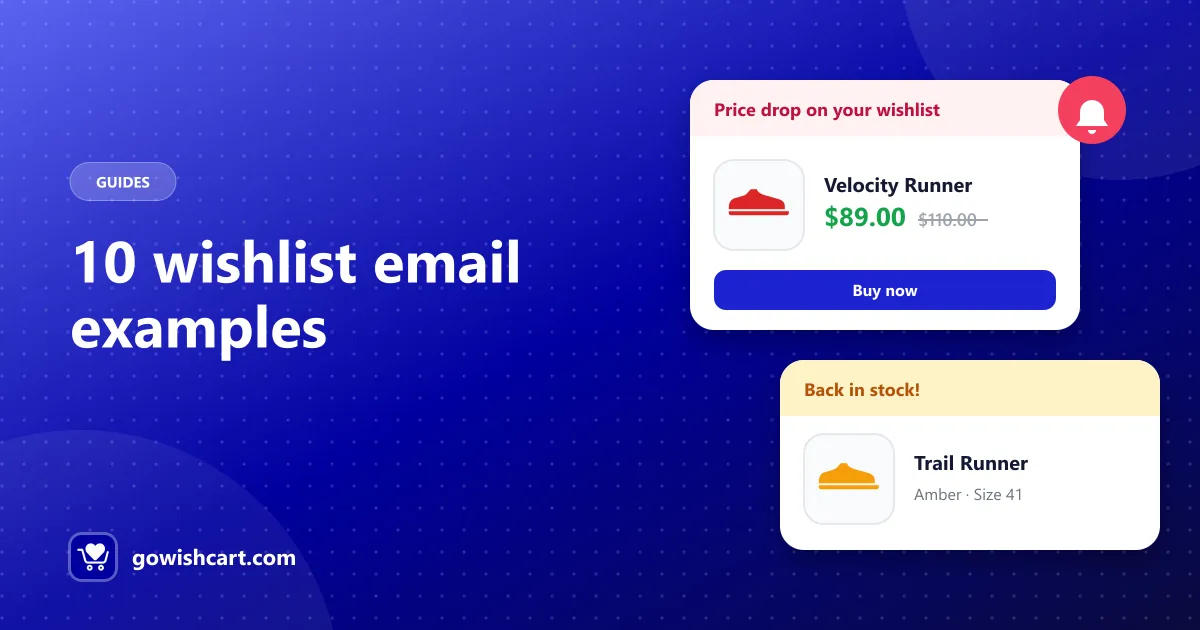
Ten wishlist email templates you can copy, from gentle reminders to price drop and restock alerts, with subject lines, timing and FluentCRM setup tips.
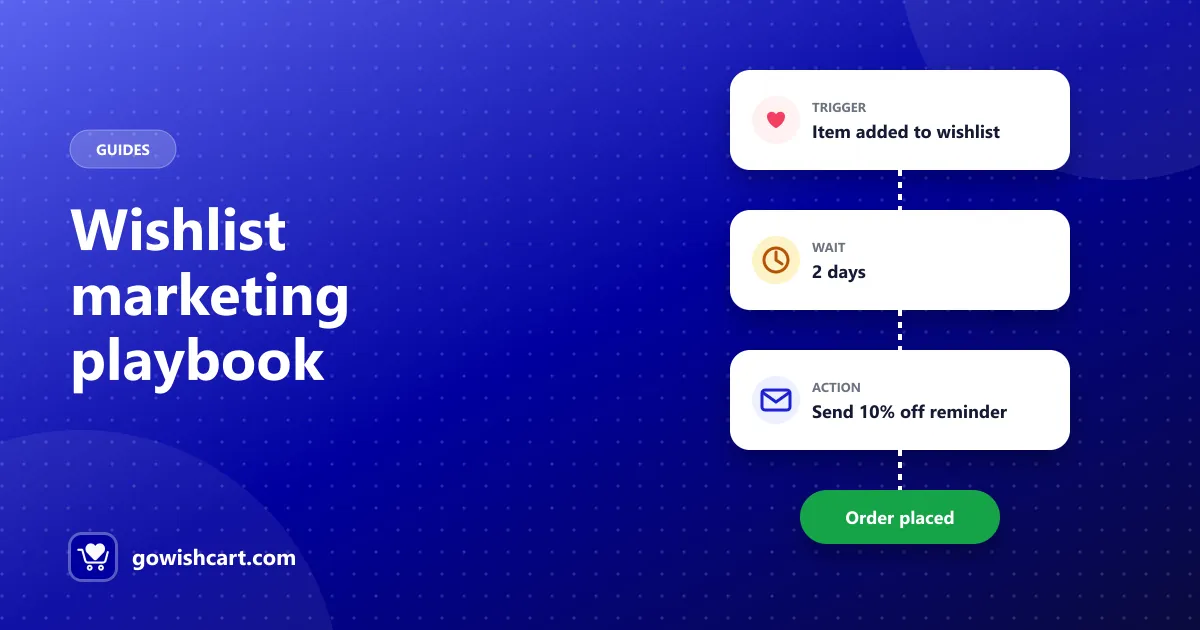
A practical wishlist marketing playbook for online stores: get more saves, collect emails, send timely alerts and use wishlist data to plan sales and restocks.
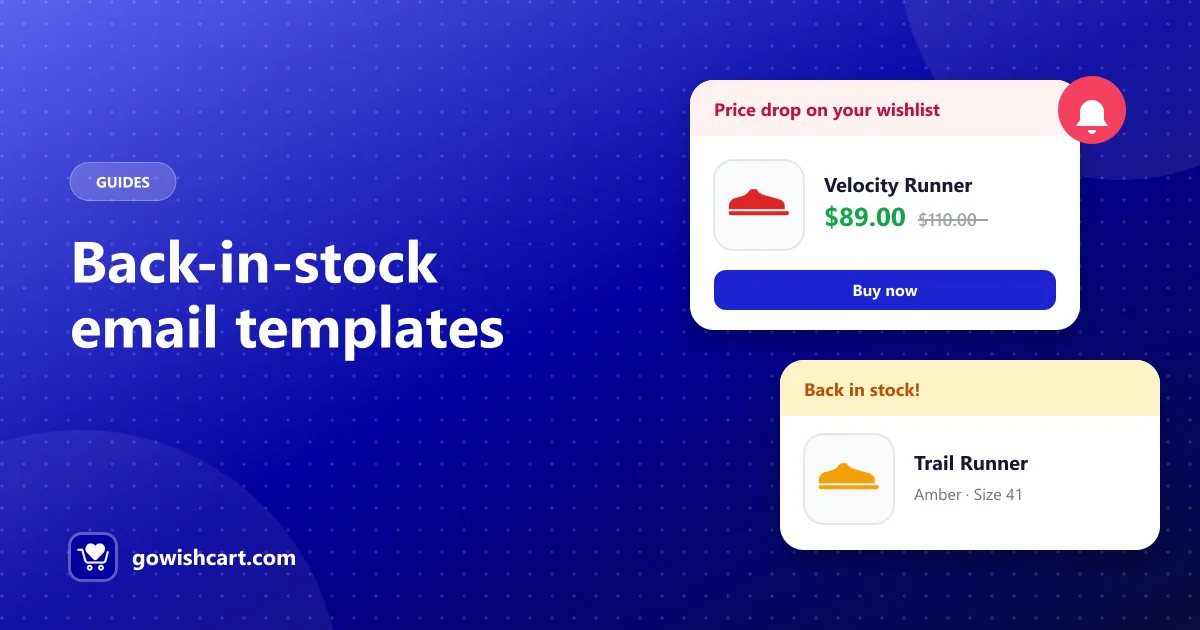
Copy-ready back-in-stock email templates, subject lines and timing tips for notifying customers when a sold-out product returns to your FluentCart store.
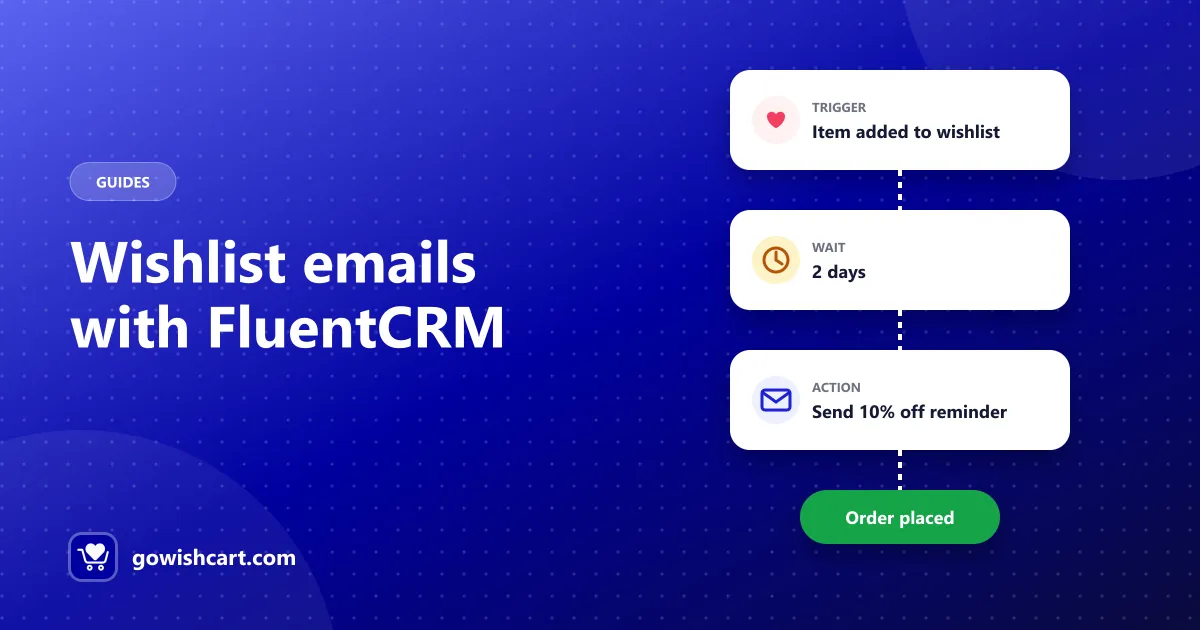
Use GoWishCart’s four FluentCRM triggers — item added, item removed, price drop and back in stock — to build wishlist email funnels for your FluentCart store.
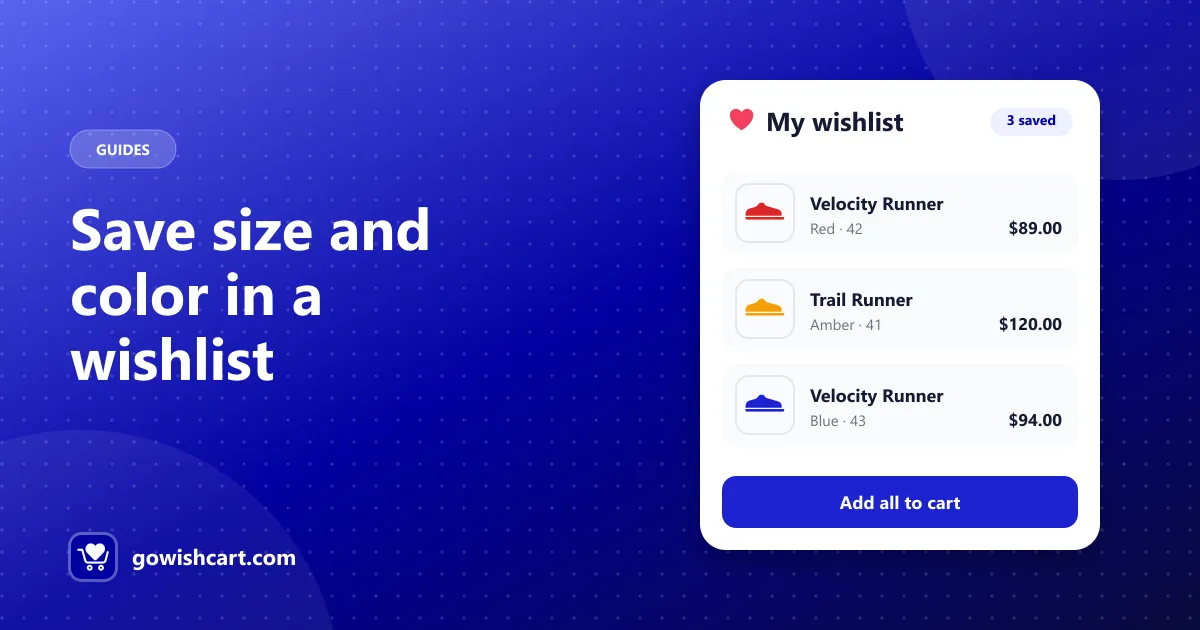
A wishlist that forgets the size or color a shopper chose is only half useful. Here is how GoWishCart saves exact FluentCart variations, and why it matters.
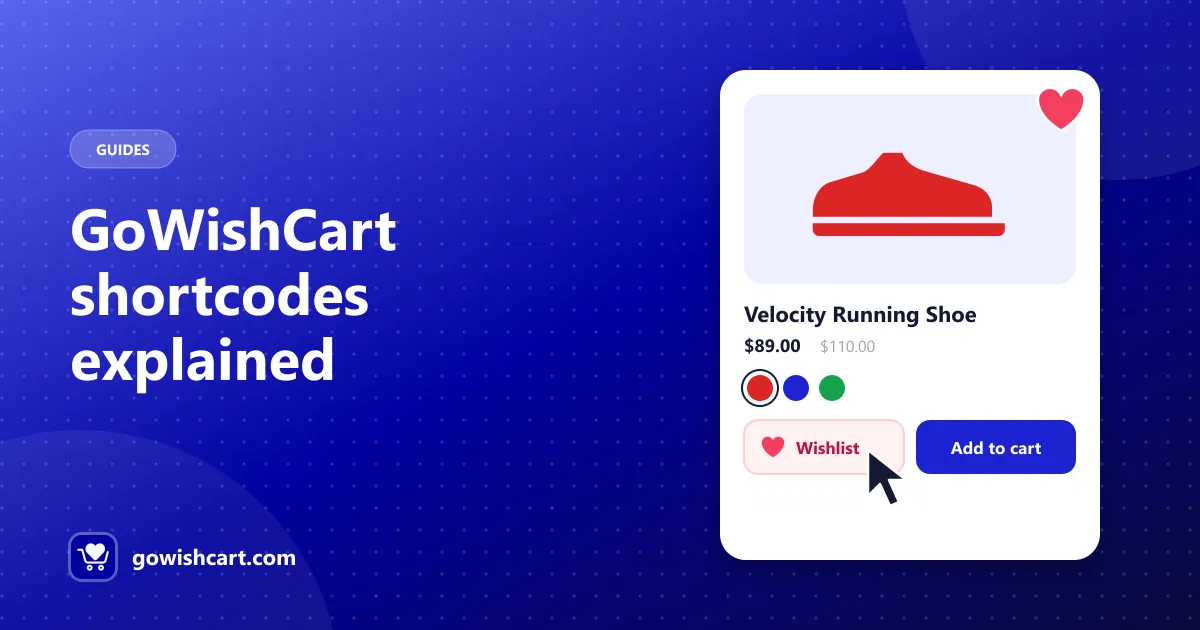
How to use the [gowishcart_wishlist] and [gowishcart_wishlist_button] shortcodes to put a wishlist page and add-to-wishlist button anywhere in your FluentCart store.
Wishlists don’t sell on their own, but they give you a reason and a way to follow up. Here is how wishlists lead to sales, and when they don’t.
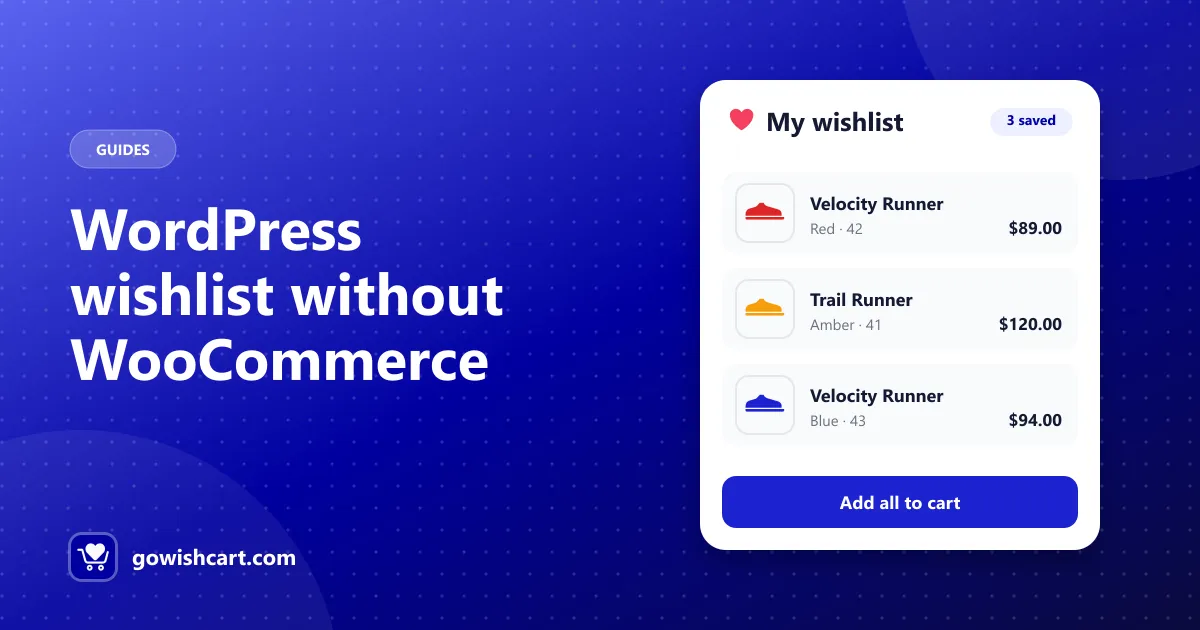
Most WordPress wishlist plugins need WooCommerce. Here is how to add a full wishlist to a FluentCart store instead, with guest support and price alerts.
A step-by-step guide to adding a wishlist to a FluentCart store with GoWishCart: install, choose a wishlist page, place the button and use shortcodes.
The guides walk you through GoWishCart from the first install to a wishlist that actively brings shoppers back. Each one is written for FluentCart store owners and focuses on a single task, so you can follow it start to finish without jumping between pages.
You will find step-by-step instructions for adding a wishlist page with the [gowishcart_wishlist] shortcode, placing the add-to-wishlist button on product and shop pages, saving exact product variations, and turning on price drop and back-in-stock emails. Other guides show how to connect wishlist activity to FluentCRM so you can send targeted follow-ups automatically.
If you are just getting started, read the setup guide first, then come back here for the workflows that fit your store. For reference details such as settings and shortcodes, see the documentation.
GoWishCart is free on WordPress.org — install it next to FluentCart and your store has wishlists in minutes.