On this page
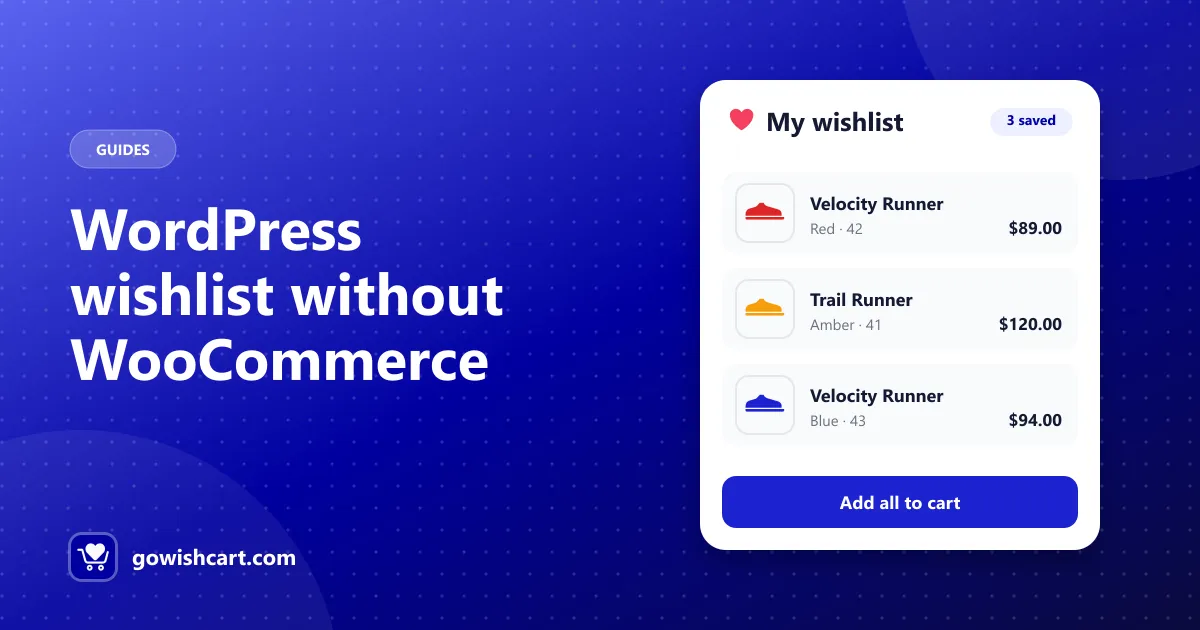
Search for “WordPress wishlist plugin” and nearly every result has the same requirement: WooCommerce. That’s fine if you run WooCommerce. But if you’ve built your store on FluentCart, those plugins won’t help you.
This guide explains why, and how to add a full wishlist to a store that doesn’t use WooCommerce.
Why most wishlist plugins need WooCommerce
A wishlist plugin has to know a lot about your store:
- what a product is, and where its price and image live,
- how variations like size and color are stored,
- how to add an item to the cart from the wishlist,
- when a product’s price or stock changes.
WooCommerce wishlist plugins get all of this from WooCommerce. FluentCart stores products, variations and orders in its own way, so a WooCommerce add-on simply can’t see your FluentCart products.
The option for FluentCart stores: GoWishCart
GoWishCart is a free wishlist plugin built only for FluentCart. It works with FluentCart products, variations, pricing and checkout directly. With it, you get:
- An add-to-wishlist button on product pages, and optionally on shop pages
- A wishlist page, created for you or placed anywhere with a shortcode
- Guest wishlists, so shoppers don’t need an account to save products
- Saved variations, so the exact size or color is remembered
- Price drop and back-in-stock emails for saved products
- FluentCRM triggers, if you use FluentCRM for email marketing
Setup in four steps
- Install it. Go to Plugins → Add New, search for GoWishCart, then install and activate it. FluentCart must already be active.
- Pick the wishlist page. Open Settings → GoWishCart. A page is created for you, or you can choose your own and add
[gowishcart_wishlist]to it. - Place the button. Choose top or bottom of the product page, turn on the shop page button if you like, or use
[gowishcart_wishlist_button]anywhere. - Test as a guest. Open a private browser window, save a product, and check it shows on the wishlist page.
The full walkthrough with screenshots of each option is in How to add a wishlist to your FluentCart store.
What if my store doesn’t use a cart plugin at all?
A wishlist only makes sense when there are products to buy. If you sell from a plain WordPress site with “buy” links to another platform, a bookmark-style plugin may be enough. But once you sell from WordPress itself, you need a cart plugin first, and then a wishlist that understands it.
If you’re choosing a cart plugin now, FluentCart is a lightweight option, and pairing it with GoWishCart gives you a wishlist from day one.
Next steps
- Read the complete guide to wishlists on FluentCart
- Moving an existing WooCommerce store? See what happens to your wishlist when you switch
- Download GoWishCart free from WordPress.org
Frequently asked questions
Can I add a wishlist to WordPress without WooCommerce?
Yes. If your store uses FluentCart, the free GoWishCart plugin adds a complete wishlist without WooCommerce. Most other wishlist plugins are WooCommerce add-ons and need WooCommerce installed.
Why don't WooCommerce wishlist plugins work with FluentCart?
They read WooCommerce products, variations and cart data. FluentCart stores products in its own way, so those plugins can't see FluentCart products.
Is GoWishCart free?
Yes. The core plugin is free on WordPress.org, including guest wishlists, variation support, notifications and FluentCRM triggers. Multiple wishlists, sharing and analytics are in GoWishCart Pro.

GoWishCart Team
We build GoWishCart, the free wishlist plugin for FluentCart stores. Questions about this article? Ask in thesupport forum.