On this page
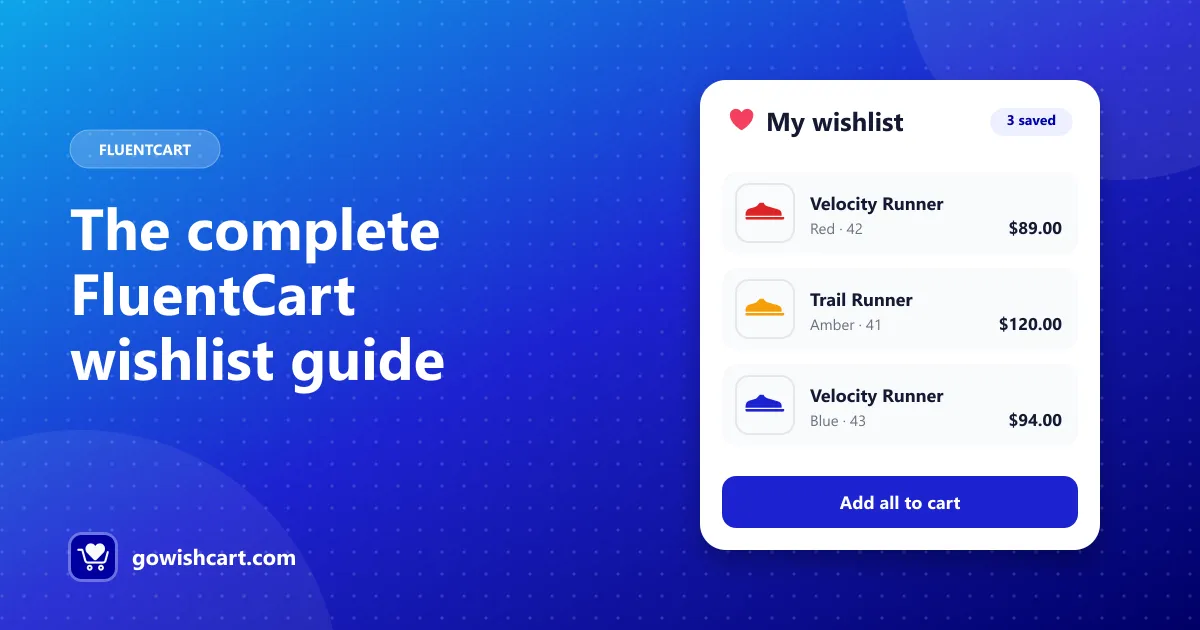
FluentCart is a fast, modern ecommerce plugin for WordPress. It covers products, checkout, subscriptions and more, but it doesn’t include a wishlist. This guide covers everything you need to add one and get real sales from it.
Use the sections below as a map. Each one links to a deeper guide.
Does FluentCart have a wishlist?
Not built in. GoWishCart adds one. It’s a free plugin on WordPress.org, made only for FluentCart, so it works with FluentCart products, variations, pricing and checkout directly.
If you’re coming from WooCommerce, your old wishlist plugin won’t carry over. See switching from WooCommerce to FluentCart: what happens to your wishlist.
What a FluentCart wishlist can do
| Feature | Free | Pro |
|---|---|---|
| Add-to-wishlist button on product and shop pages | ✓ | ✓ |
| Saved product variations | ✓ | ✓ |
| Guest wishlists (no account needed) | ✓ | ✓ |
| Price drop and back-in-stock alerts | ✓ | ✓ |
| FluentCRM automation triggers | ✓ | ✓ |
| Custom button position, text and icons | ✓ | ✓ |
| Multiple wishlists per customer | ✓ | |
| Shared and public wishlists, social sharing | ✓ | |
| Analytics and wishlist-to-cart tracking | ✓ |
Part 1: Set it up
The basic setup takes a few minutes:
- Install and activate GoWishCart (FluentCart must be active).
- Open Settings → GoWishCart and choose a wishlist page.
- Choose where the button appears: top or bottom of product pages, and optionally shop pages.
- Test it in a private browser window.
Deeper guides:
- How to add a wishlist to your FluentCart store, the full step-by-step setup
- GoWishCart shortcodes, for custom layouts and page builders
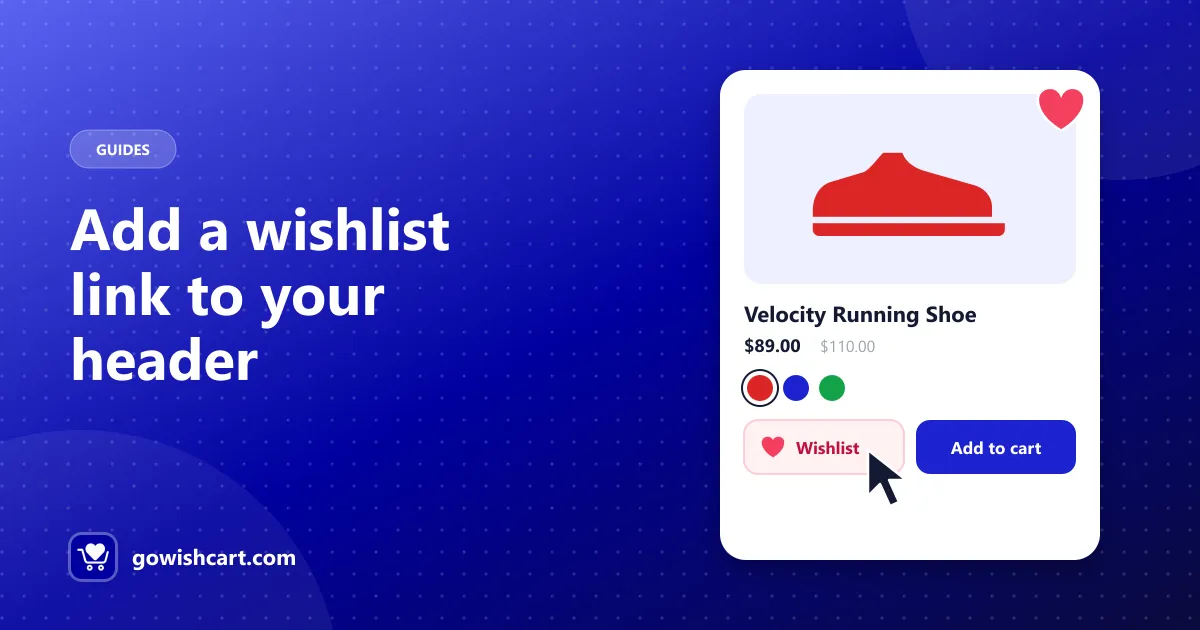
- Add a wishlist link to your header and menu, so shoppers can find their wishlist again
Part 2: Make saving easy for everyone
The more shoppers save, the more you can follow up on. Two features matter most:
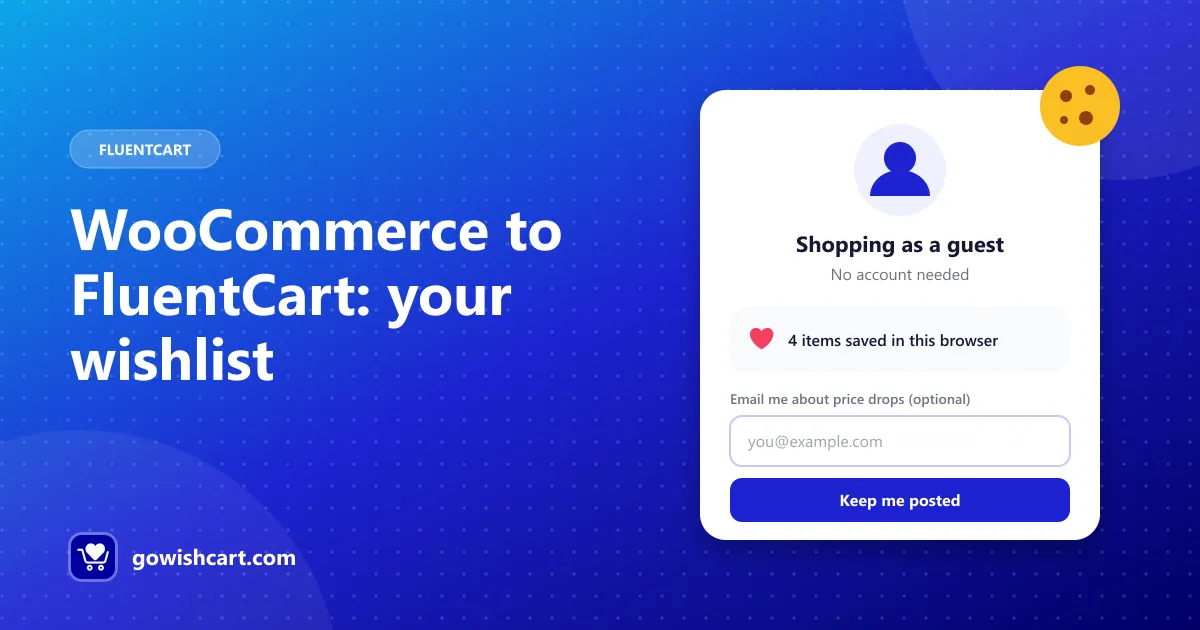
- Guest wishlists. Shoppers can save without an account. The wishlist is stored with a cookie, and guests can optionally leave an email for alerts. Read why guest wishlists win more sales.
- Variations. The exact size or color is saved, so shoppers don’t have to choose again. Read how to save product variations in a wishlist.
Part 3: Bring shoppers back
A wishlist turns into sales when you follow up:
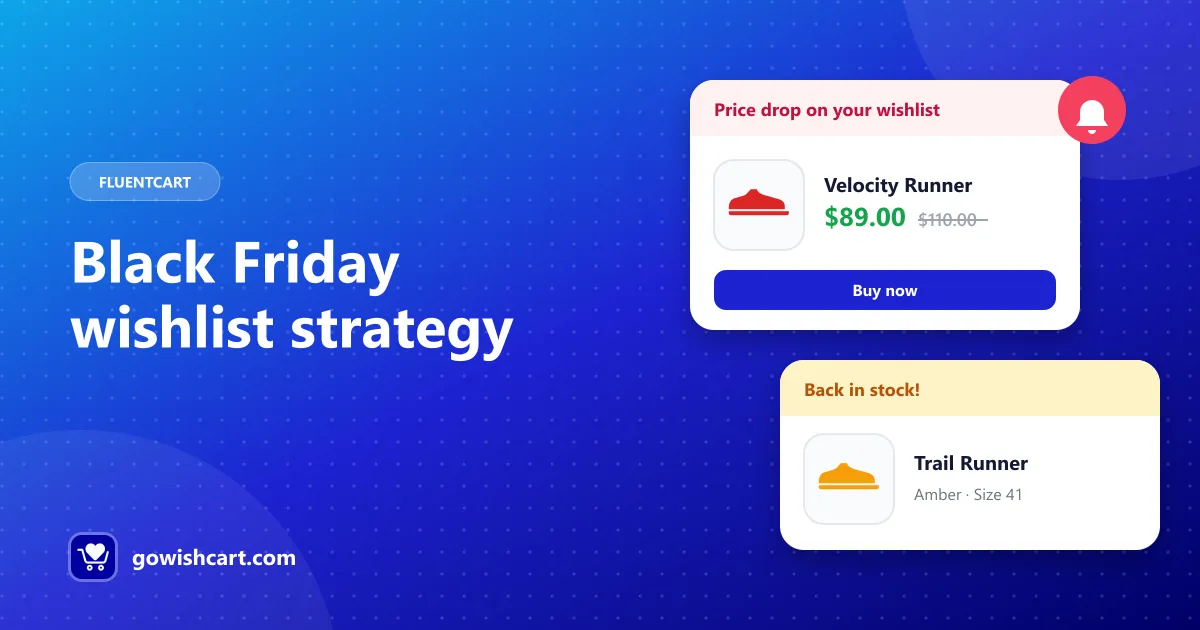
- Price drop and back-in-stock alerts are sent automatically to shoppers who have an email on file. See price drop and back-in-stock alerts for FluentCart.
- FluentCRM funnels let you send reminders, incentives and alternatives. See automate wishlist emails with FluentCRM.
- Email copy that gets clicks: wishlist email examples and back-in-stock email template.
Part 4: Use it in your marketing
Wishlist data tells you what people want. Use it to plan sales, restock the right items and time campaigns:
- Wishlist marketing: how to turn saved items into sales
- Do wishlists increase sales?
- Black Friday wishlist strategy
Common questions
Will a wishlist slow down my store? GoWishCart only loads what it needs for the button and wishlist page. If you use page caching, clear it after changing settings.
Do wishlists work with my theme? The button is placed using FluentCart’s product page positions, so it works with most themes. For full control, use the shortcode.
Where do I get help? Start with the documentation. For anything else, use the support page.
Get started
Download GoWishCart free from WordPress.org and follow the setup guide.
Frequently asked questions
Does FluentCart have a wishlist?
FluentCart doesn't include a wishlist out of the box. GoWishCart is a free plugin that adds one, built specifically for FluentCart.
Is there a free wishlist plugin for FluentCart?
Yes. GoWishCart is free on WordPress.org and includes guest wishlists, variation support, price drop and back-in-stock alerts and FluentCRM triggers.
What does GoWishCart Pro add?
Multiple wishlists per customer, shared and public wishlists, social sharing, and analytics with wishlist-to-cart conversion tracking.
Does the wishlist work with FluentCRM?
Yes. GoWishCart adds four FluentCRM triggers: item added, item removed, price drop and back in stock.

GoWishCart Team
We build GoWishCart, the free wishlist plugin for FluentCart stores. Questions about this article? Ask in thesupport forum.