On this page
A wishlist is a list of products your shoppers want, in their own words. Few other marketing tools give you that. Wishlist marketing is about using it well: getting more shoppers to save, then following up at the right moment.
Here’s a playbook in four stages.
Stage 1: Get more saves
You can only follow up on what’s been saved.
- Allow guests. Asking for an account before saving stops most first-time visitors. GoWishCart supports guest wishlists out of the box.
- Make the button easy to find. Put it next to Add to cart on product pages and turn on Show Button on Shop Page so shoppers can save while browsing.
- Use a clear label. A heart icon with Save for later or Add to wishlist is instantly recognisable.
- Show the benefit. A line like “Save it and we’ll email you if the price drops” gives shoppers a reason to click.
- Link the wishlist everywhere. Add it to your header and menu. See how to add a wishlist link to your header.
Stage 2: Collect an email
A guest wishlist lives in one browser. To follow up, you need an email address.
- Logged-in customers already have one.
- For guests, GoWishCart offers optional email capture. Frame it as a benefit: “Email me if this goes on sale.”
- If you use FluentCRM, contacts who save items can be added to lists and tagged automatically.
Stage 3: Follow up at the right moment
These are the emails that turn saves into orders. Each one is about a product the shopper chose.
| Moment | How | |
|---|---|---|
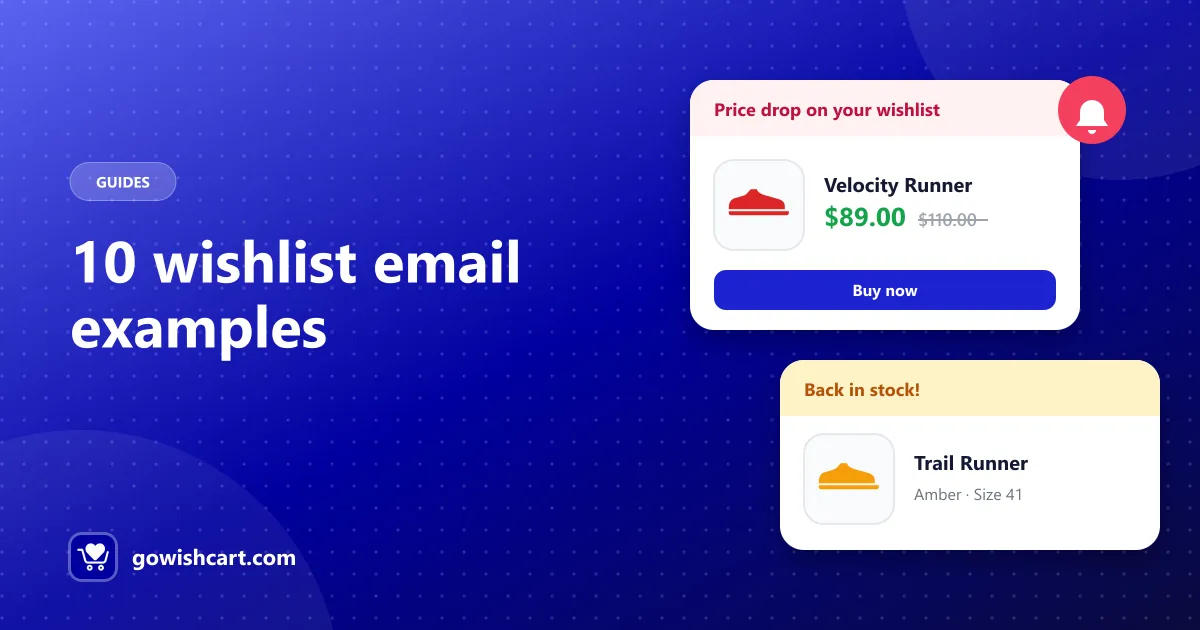
| Price drops | “The item you saved is now on sale” | Built-in alert or FluentCRM trigger |
| Back in stock | “It’s back” | Built-in alert or FluentCRM trigger |
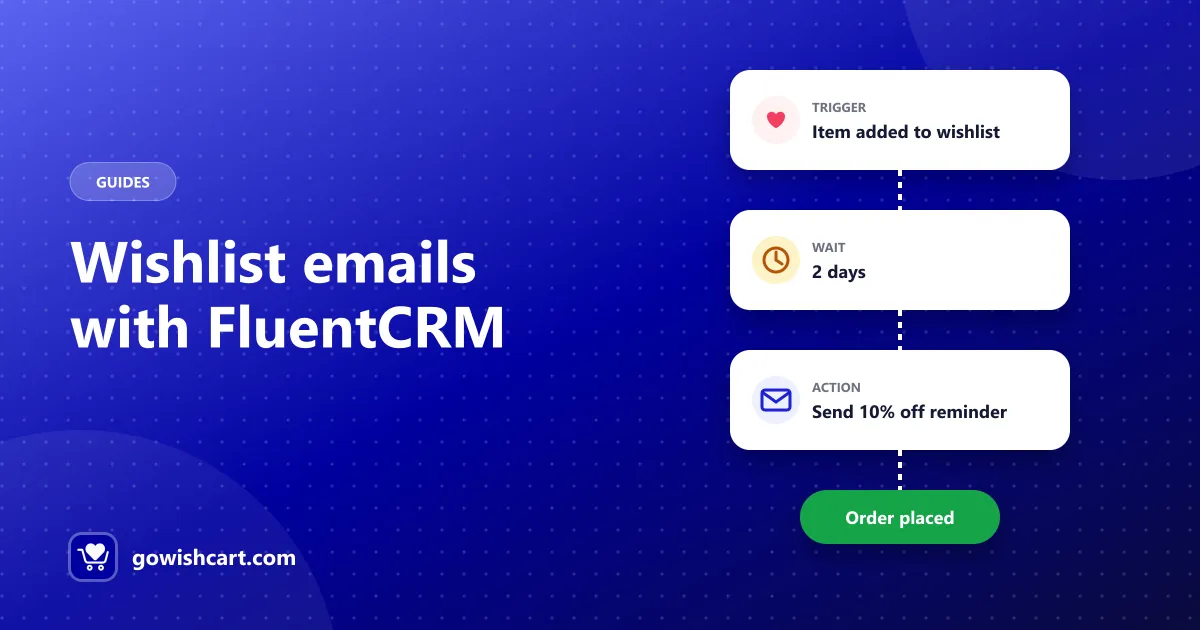
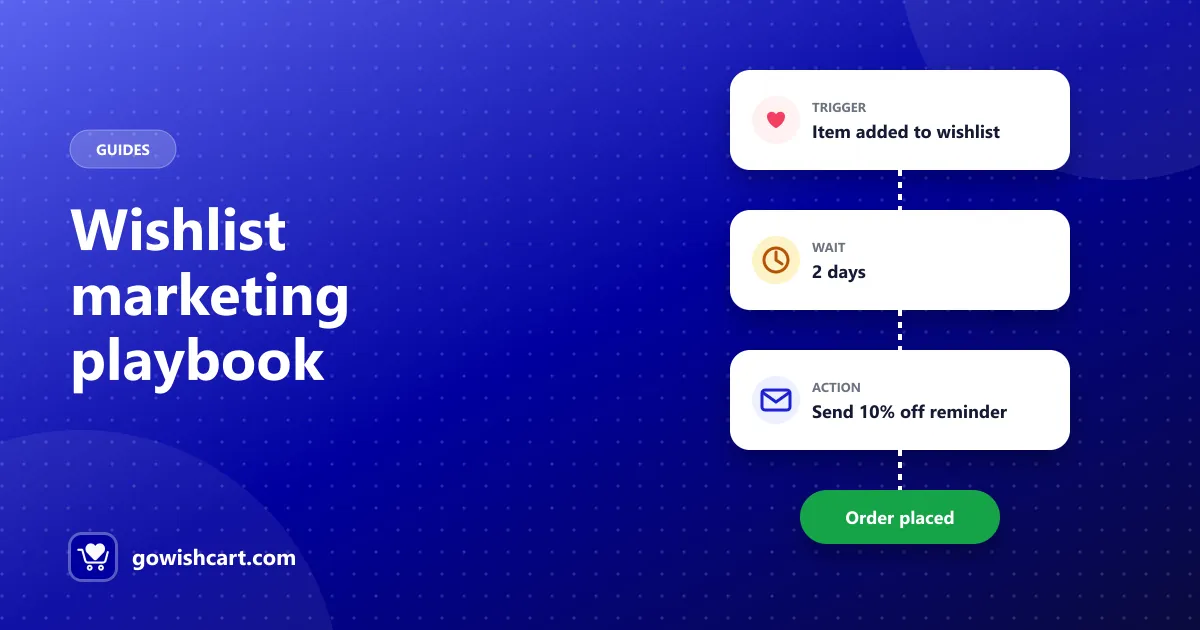
| 2–3 days after saving | Friendly reminder | FluentCRM: item added + wait |
| 7 days, still no order | Small incentive | FluentCRM: wait + condition |
| Item removed | Alternatives | FluentCRM: item removed |
For the full funnels, read automate wishlist emails with FluentCRM. For copy you can use, see 10 wishlist reminder email examples and the back-in-stock email template.
A note on discounts: start with a plain reminder. Many shoppers just need a nudge. Offer a discount only to those who still haven’t bought, so you don’t give margin to people who would have paid full price.
Stage 4: Use wishlist data to run your store
Wishlists tell you what people want before they buy. Use that:
- What to discount. Products that are saved often but rarely bought may be priced too high. A small price drop will also trigger alerts to everyone who saved them.
- What to restock. Sold-out items that keep getting saved are worth reordering.
- What to feature. Popular saved products make good choices for your home page, ads and newsletters.
- When to run sales. Before Black Friday or a seasonal sale, look at the most-saved items and plan offers around them. See the Black Friday wishlist strategy.
GoWishCart Pro adds analytics and wishlist-to-cart conversion tracking, so you can see which products are saved most and how many saves become orders.
A simple starting plan
If you do nothing else this week:
- Turn on guest wishlists and the shop page button.
- Turn on price drop and back-in-stock alerts.
- Build one FluentCRM reminder: item added → wait 2 days → email.
That alone covers the moments when shoppers are most likely to buy.
Related guides
Frequently asked questions
What is wishlist marketing?
Using the products shoppers save to their wishlists to send relevant follow-ups, such as price drop, back-in-stock and reminder emails, and to guide decisions like which products to discount or restock.
How do I get more people to use my wishlist?
Allow guest wishlists, show the button near Add to cart and on shop pages, link the wishlist in your header, and explain the benefit, such as getting an email when the price drops.
Should I offer discounts on wishlist items?
Sometimes. Start with a plain reminder, and offer a discount only to shoppers who still haven't bought after it, so you don't give away margin unnecessarily.

GoWishCart Team
We build GoWishCart, the free wishlist plugin for FluentCart stores. Questions about this article? Ask in thesupport forum.