On this page
Wishlist emails work because they’re about something the shopper already picked. You don’t need clever copy. You need the right product, at the right moment, with one clear button.
Below are ten templates you can copy. Replace anything in {curly braces} with your own merge tags.
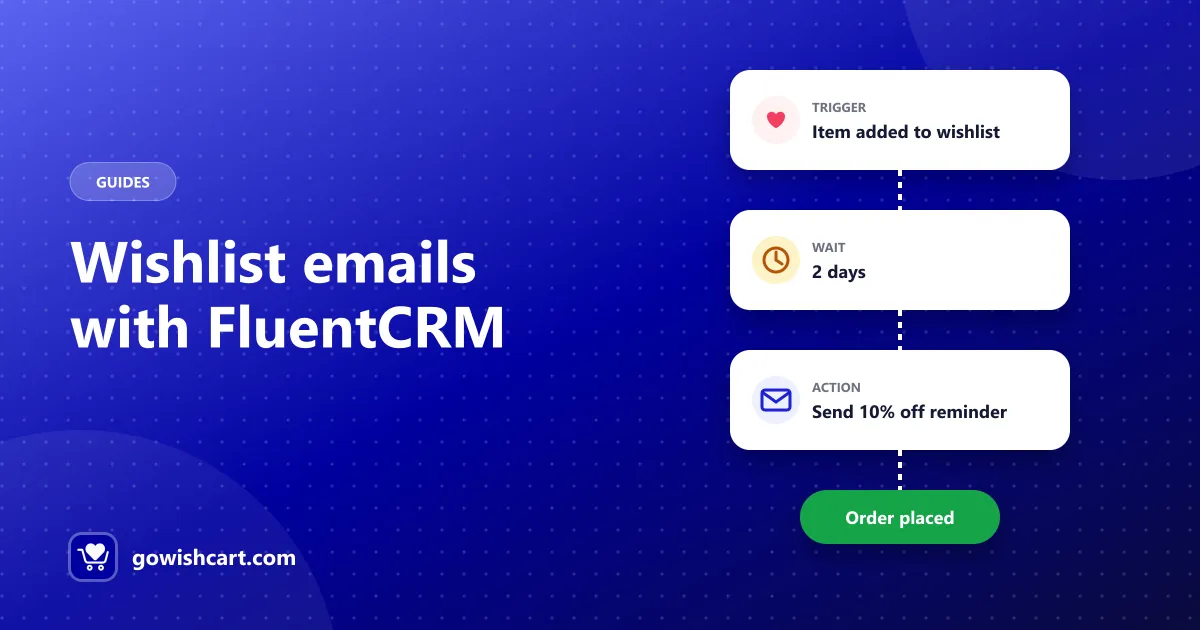
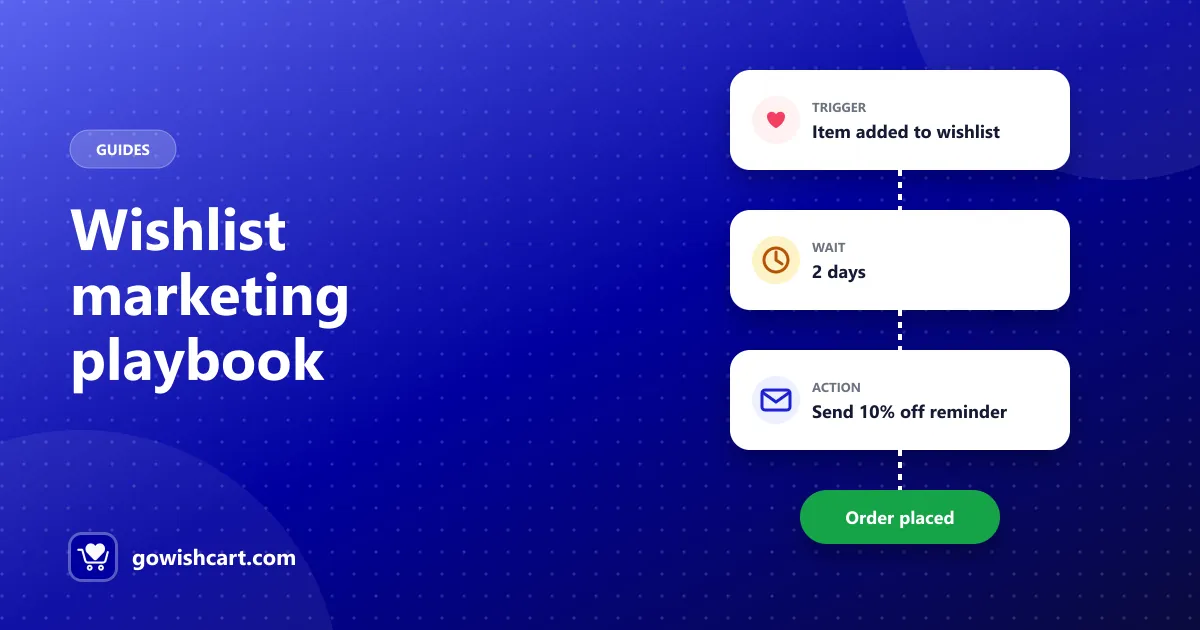
How to send these on FluentCart: examples 1–6 and 9–10 work as FluentCRM funnels started by GoWishCart’s triggers (item added, item removed, price drop, back in stock). Examples 7 and 8 are also sent automatically by GoWishCart’s built-in alerts. See automate wishlist emails with FluentCRM.
Reminders
1. The gentle nudge
When: 2–3 days after an item is added Subject: Still thinking about it?
Hi {first name}, the {product name} is still on your wishlist. Whenever you’re ready, it’s one click away.
[View your wishlist]
2. The “it’s popular” reminder
When: 4–5 days after saving, for products that sell well Subject: Others love it too
The {product name} you saved is one of our most popular picks this month. Grab yours while your size is in stock.
[Shop now]
Only send this if it’s true.
3. The small incentive
When: 7 days after saving, only if they haven’t ordered Subject: A little something for your wishlist
Still deciding on the {product name}? Here’s {10% off} to help. Use {code} at checkout before {date}.
[Use my code]
4. The wishlist roundup
When: Weekly or monthly, for shoppers with several saved items Subject: Your wishlist, in one place
Here’s everything you’ve saved: {wishlist items}. Prices and stock change quickly, so take a look.
[See my wishlist]
Alternatives
5. “Not that one? Try these”
When: Right after an item is removed Subject: Something similar you might like
Noticed the {product name} wasn’t quite right. Here are a few similar picks from {category}: {2–3 products}
[Browse {category}]
6. The complete-the-look
When: A few days after saving, for fashion or home stores Subject: Goes great with your {product name}
Pairs well with what you saved: {matching products}.
[Complete the look]
Price and stock alerts
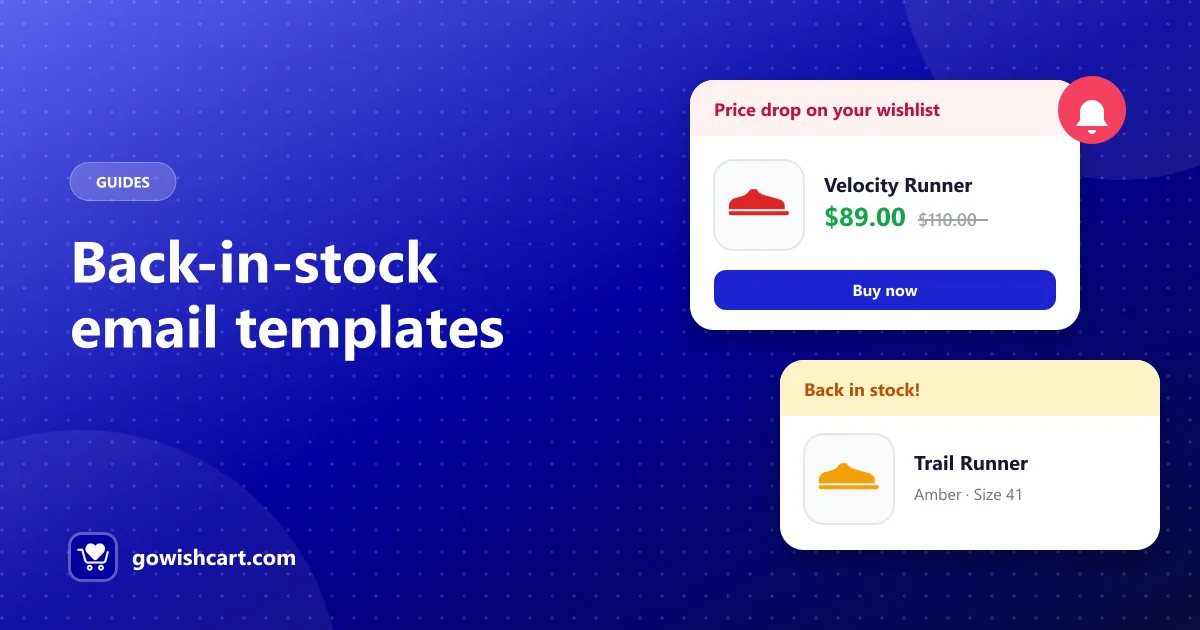
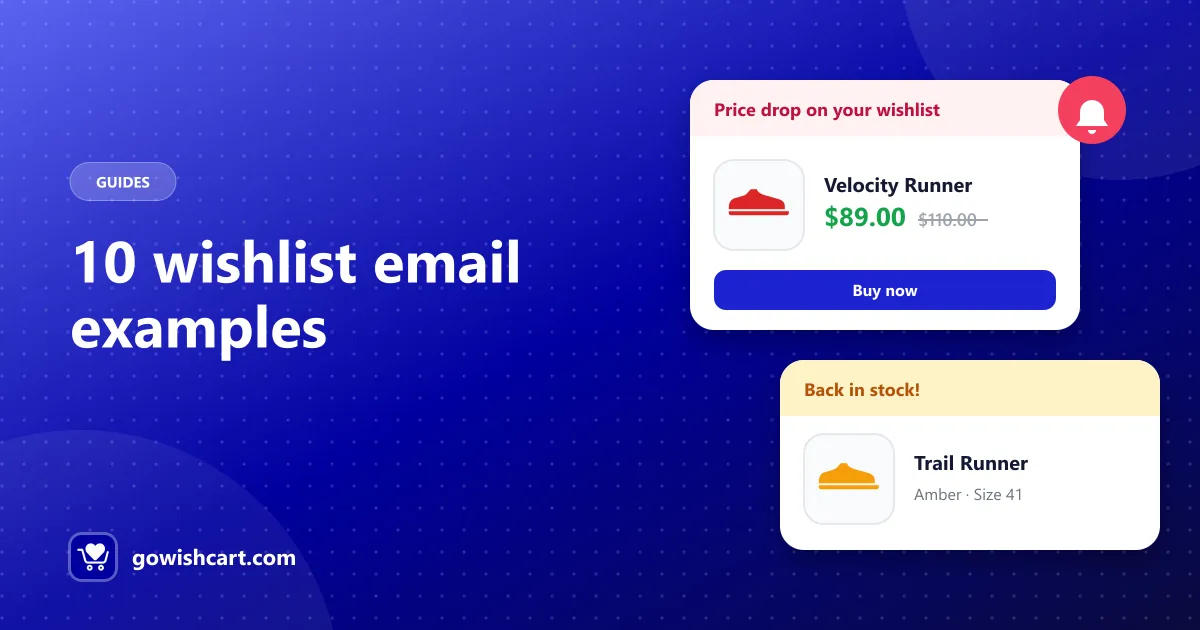
7. Price drop
When: As soon as the price drops Subject: Price drop on your wishlist
Good news: the {product name} you saved is now {new price} (was {old price}).
[Buy now]
More ideas in price drop and back-in-stock alerts.
8. Back in stock
When: As soon as stock returns Subject: It’s back: {product name}
The {product name} in {variant} is available again.
[Shop now]
More templates in the back-in-stock email template guide.
Seasonal
9. Before a sale
When: 1–2 days before Black Friday or a seasonal sale Subject: Your wishlist is about to get cheaper
Our sale starts {date}. Keep your wishlist handy: if anything you saved goes on sale, you’ll be the first to know.
[Check my wishlist]
See the Black Friday wishlist strategy for the full plan.
10. Gift reminder
When: Early December, or before birthdays and holidays Subject: Shopping for someone special?
Your wishlist is a great gift list. Share it with family, or treat yourself to something you saved: {wishlist items}
[Open my wishlist]
Shared wishlists are part of GoWishCart Pro.
Tips for all wishlist emails
- Lead with the product. Image, name, variant and price first.
- One button. Link straight to the product or wishlist.
- Short copy. Two or three sentences is plenty.
- Don’t double up. If FluentCRM sends a price drop email, turn off the built-in alert for that event, or vice versa.
- Discount last. Send a plain reminder before offering money off.
Related guides
- Wishlist marketing: how to turn saved items into sales
- The complete guide to wishlists on FluentCart
Frequently asked questions
What is a wishlist reminder email?
An email sent to a shopper about products they saved to their wishlist, reminding them the items are waiting, or telling them the price dropped or stock returned.
When should I send a wishlist reminder?
A first reminder works well 2–3 days after the item is saved. Price drop and back-in-stock emails should go out as soon as the change happens.
How do I automate wishlist emails on FluentCart?
GoWishCart sends price drop and back-in-stock alerts automatically, and its FluentCRM triggers let you build reminder funnels with waits, conditions and discount codes.

GoWishCart Team
We build GoWishCart, the free wishlist plugin for FluentCart stores. Questions about this article? Ask in thesupport forum.